
Your photographs.
Beautifully developed.
A personal photo lab for your RAWs.
Choose natural colour or a favourite film. Leave the development to ABNEY.
Your RAWs,
already developed.
Auto develops each RAW to suit the photograph. Start with natural colour or choose a film look, then adjust only what you want to.
For supported camera and iPhone RAWs.


Good colour starts
with the RAW.
Our RAW engine handles colour, highlight transitions and fine detail together. Auto analyses each photograph and develops it for you, giving you a natural starting point for a film look or further editing.
What makes our RAW development different?
ABNEY uses a custom development pipeline for supported camera RAWs and iPhone RAWs. It controls the creative tone and colour treatment instead of accepting the decoder’s default finished look. Essential camera calibration and RAW decoding remain; Apple ProRAW may already contain processing from capture.
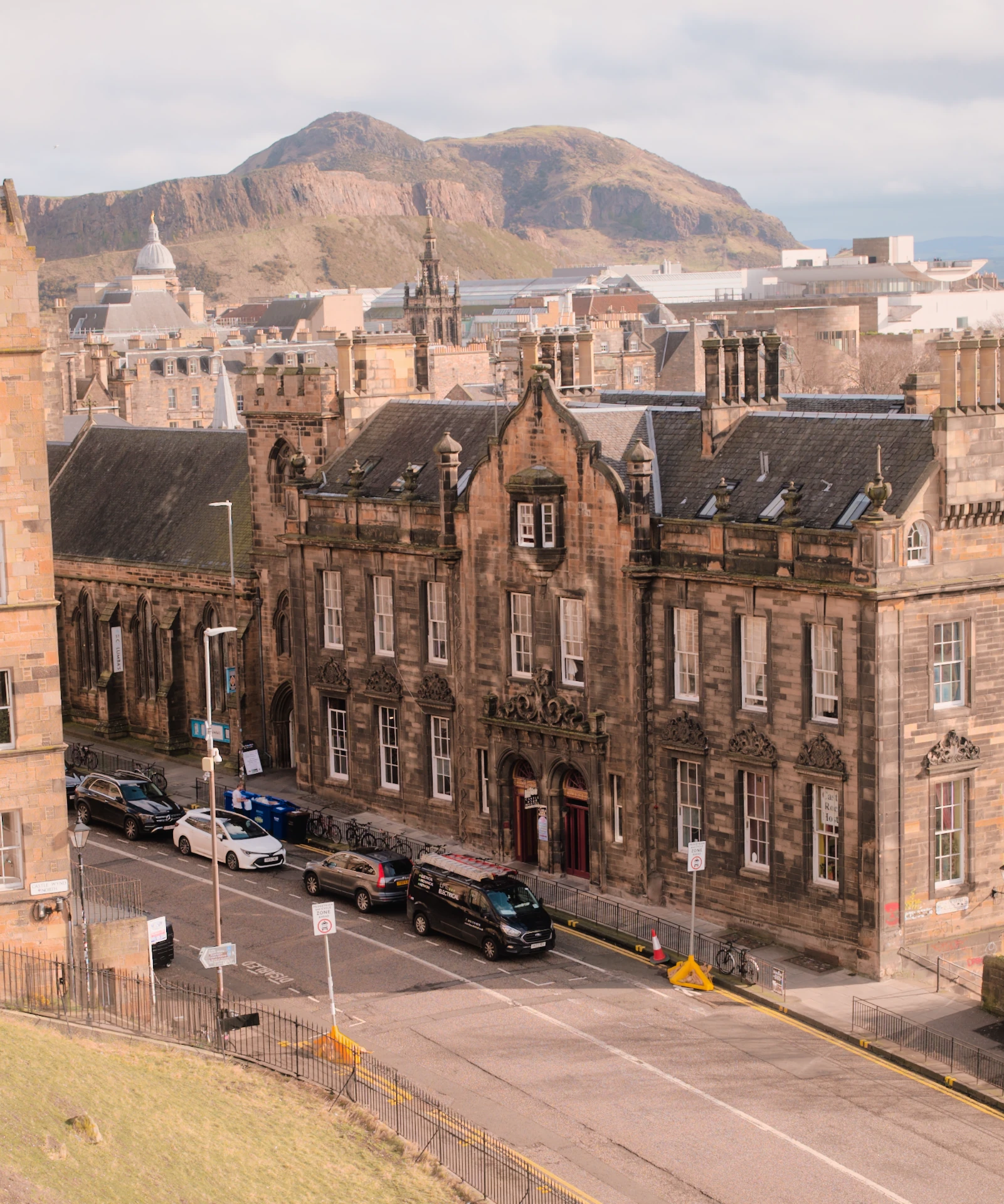
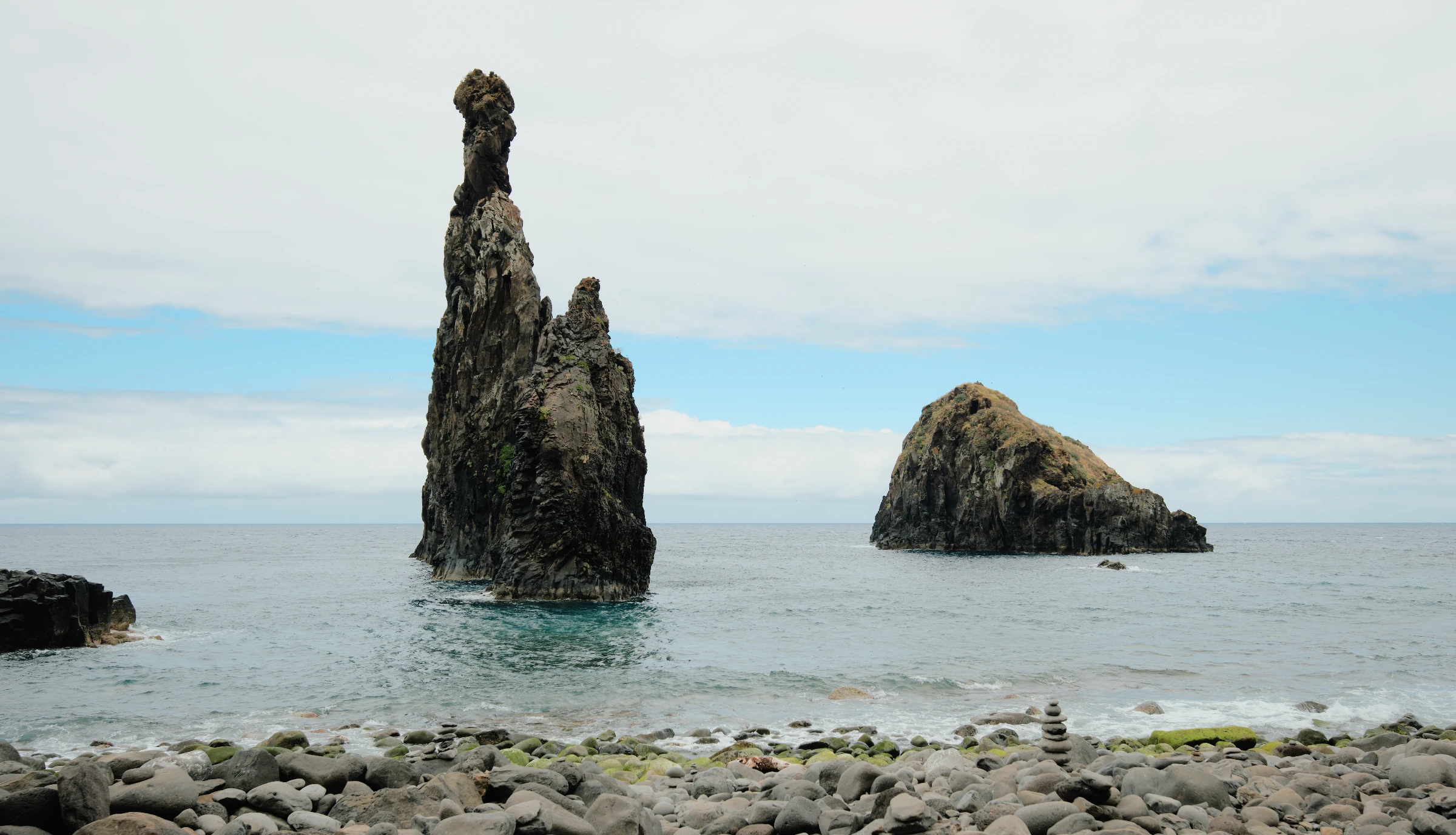
Both developed with Auto, the Everyday preset and Light at Airy +50.
Colour drawn
from real film.
Each film stock handles colour and contrast differently. We build our profiles from scans of those stocks, so choosing a film changes how your RAW is rendered.
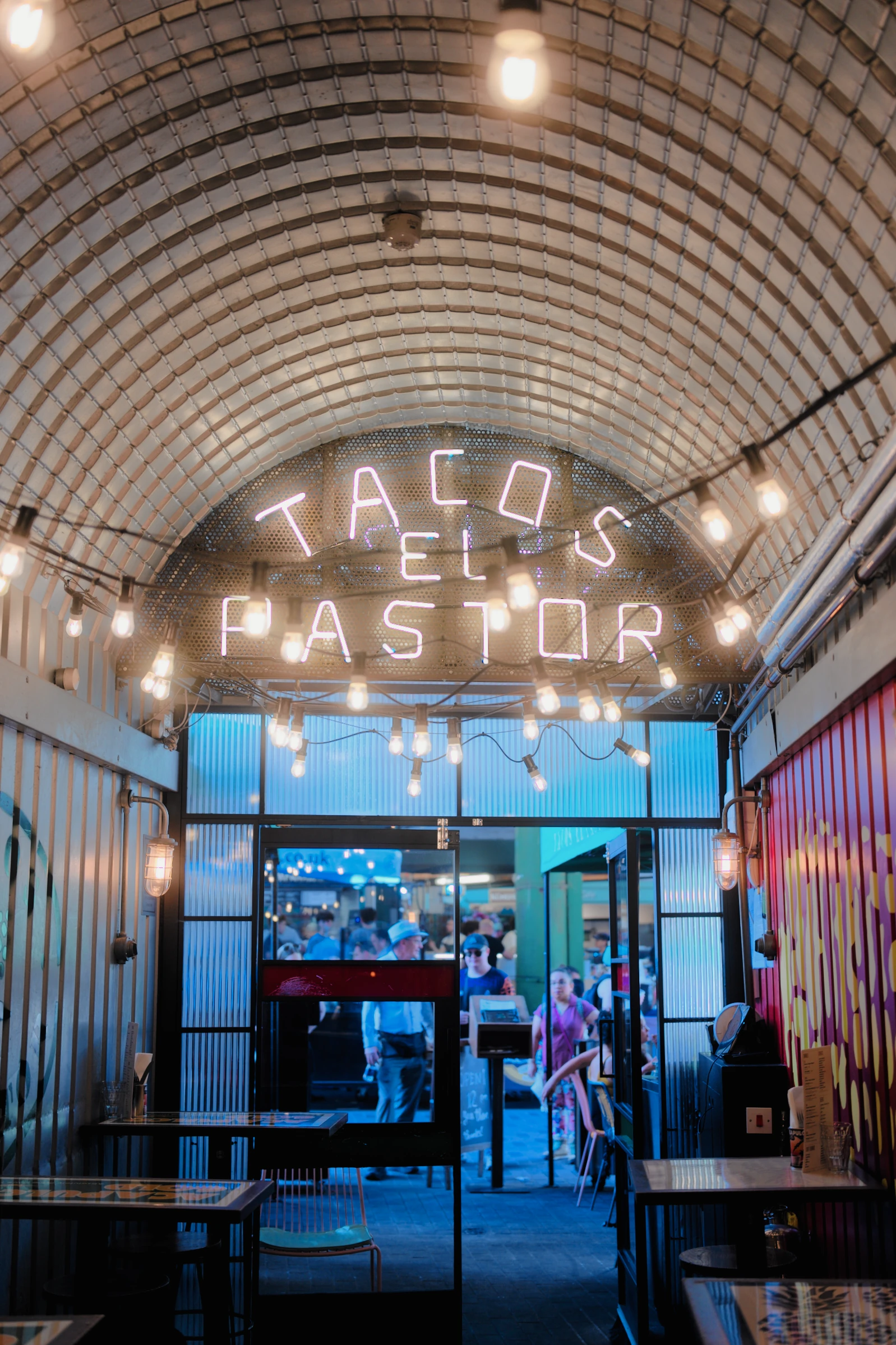
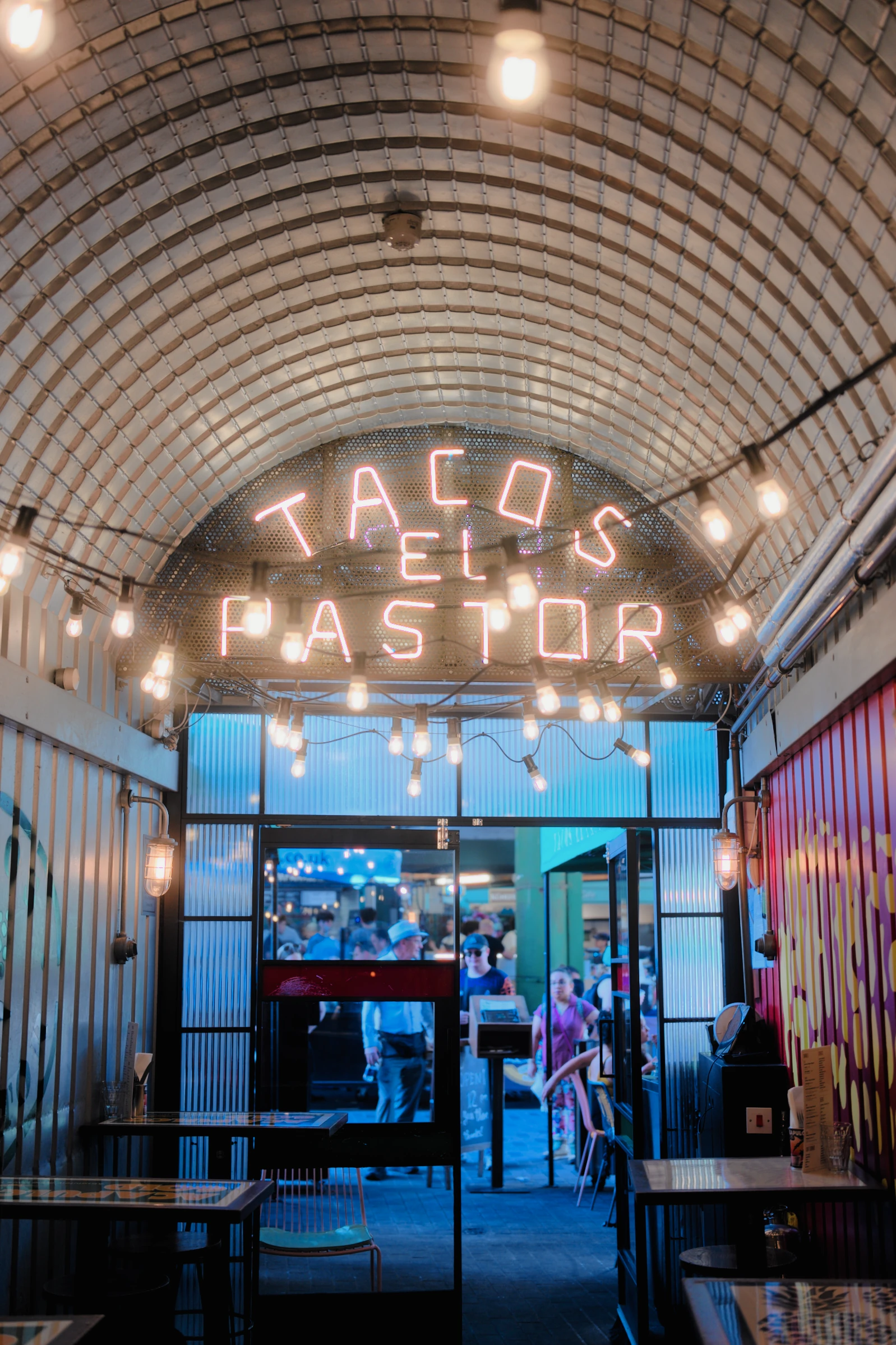
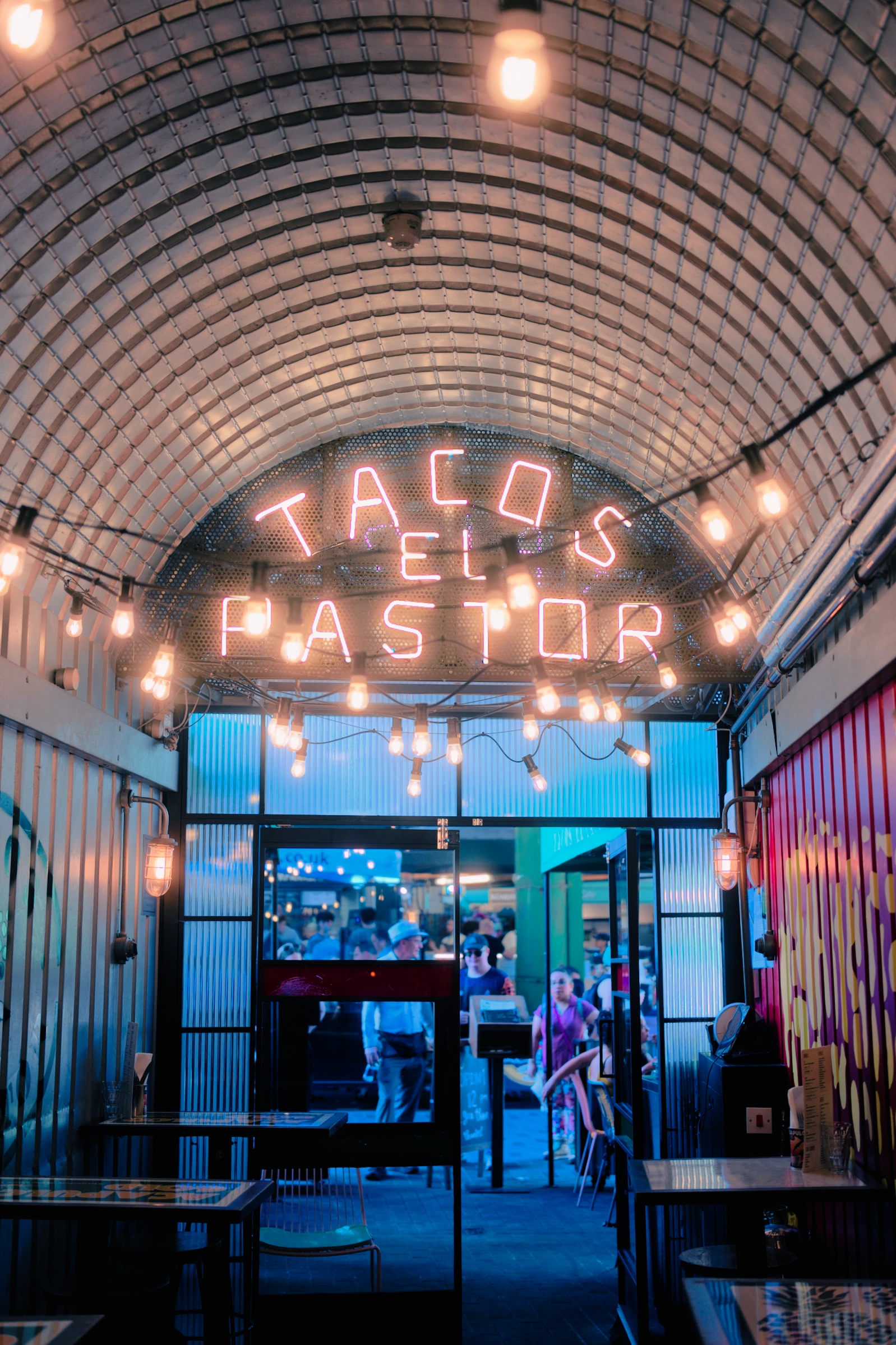
 Kodak VISION3 500T
The character
of film.
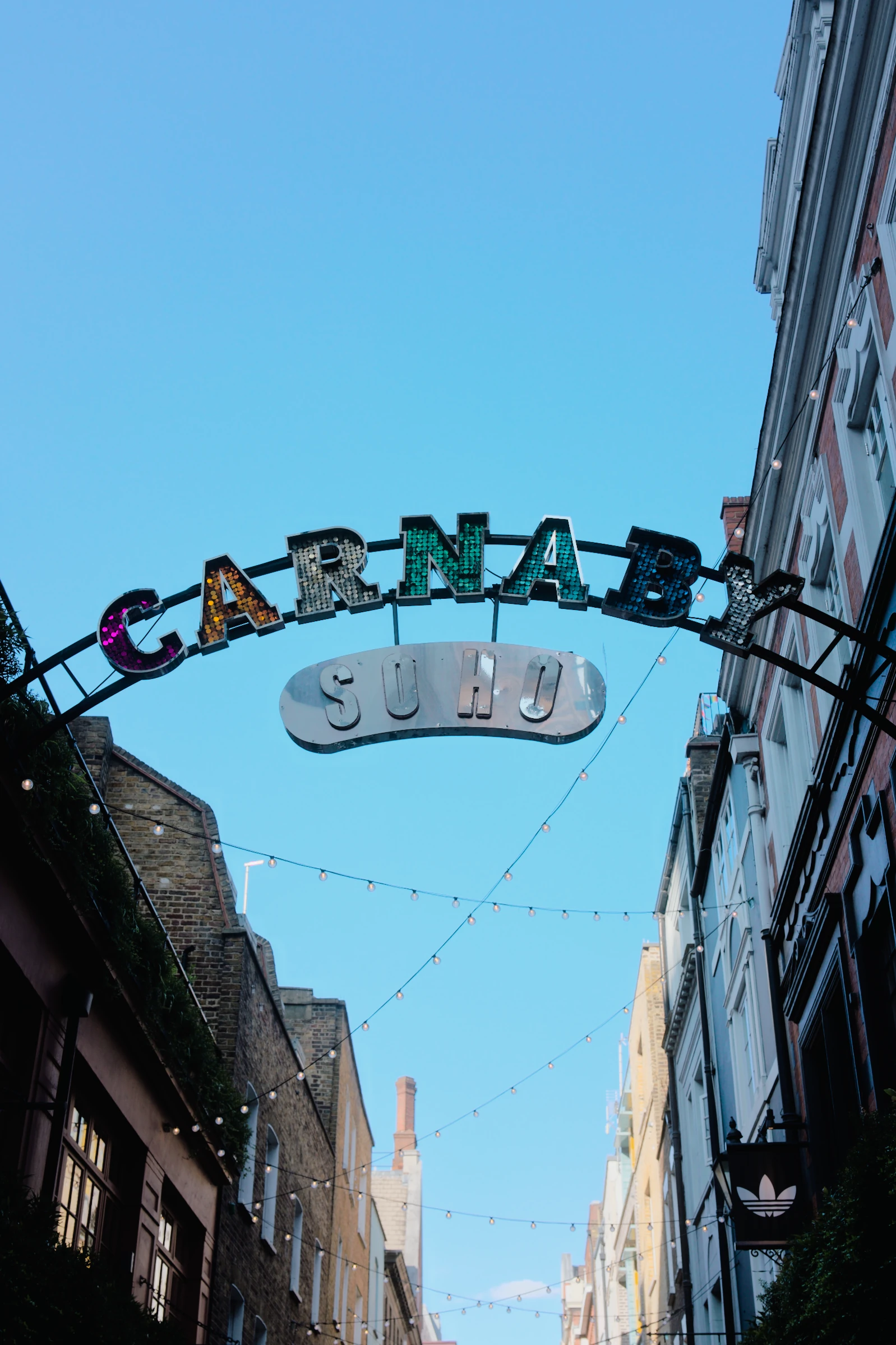
Compare the warm tiles, the blue doorway and the illuminated lettering. Choose a film profile or a finished preset to see the whole photograph change.
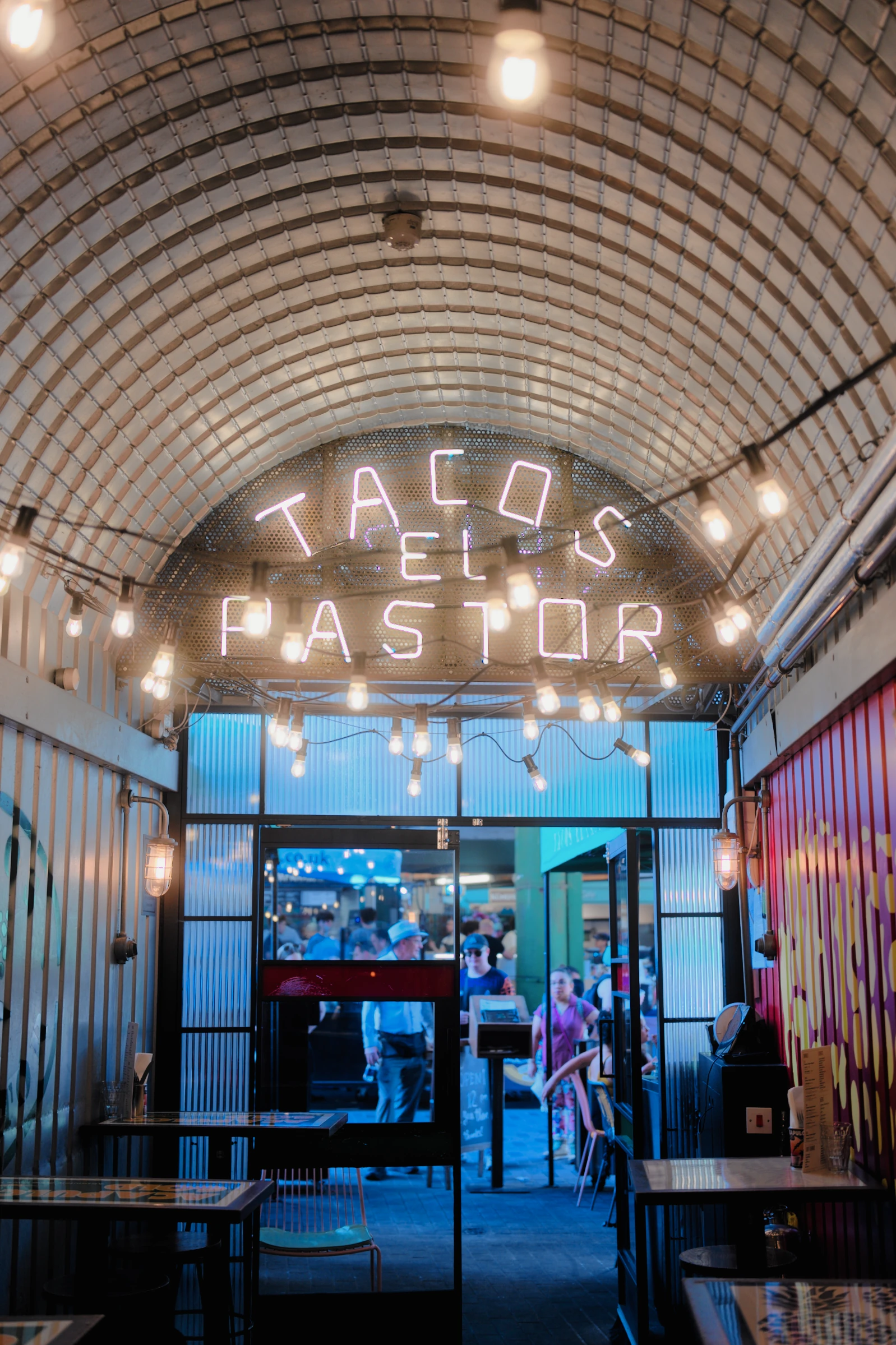 Kodak VISION3 500T · detail
- Colour & contrast
- A film profile shapes how colours relate, from muted shades to saturated reds and blues.
- Highlights & shadows
- Shape the transition into bright light and the depth of your blacks with editable tone curves.
- Grain & glow
- Fine or pronounced grain. Soft bloom around lights. Adjust the finish to suit the photograph.
Explore one detail: halation
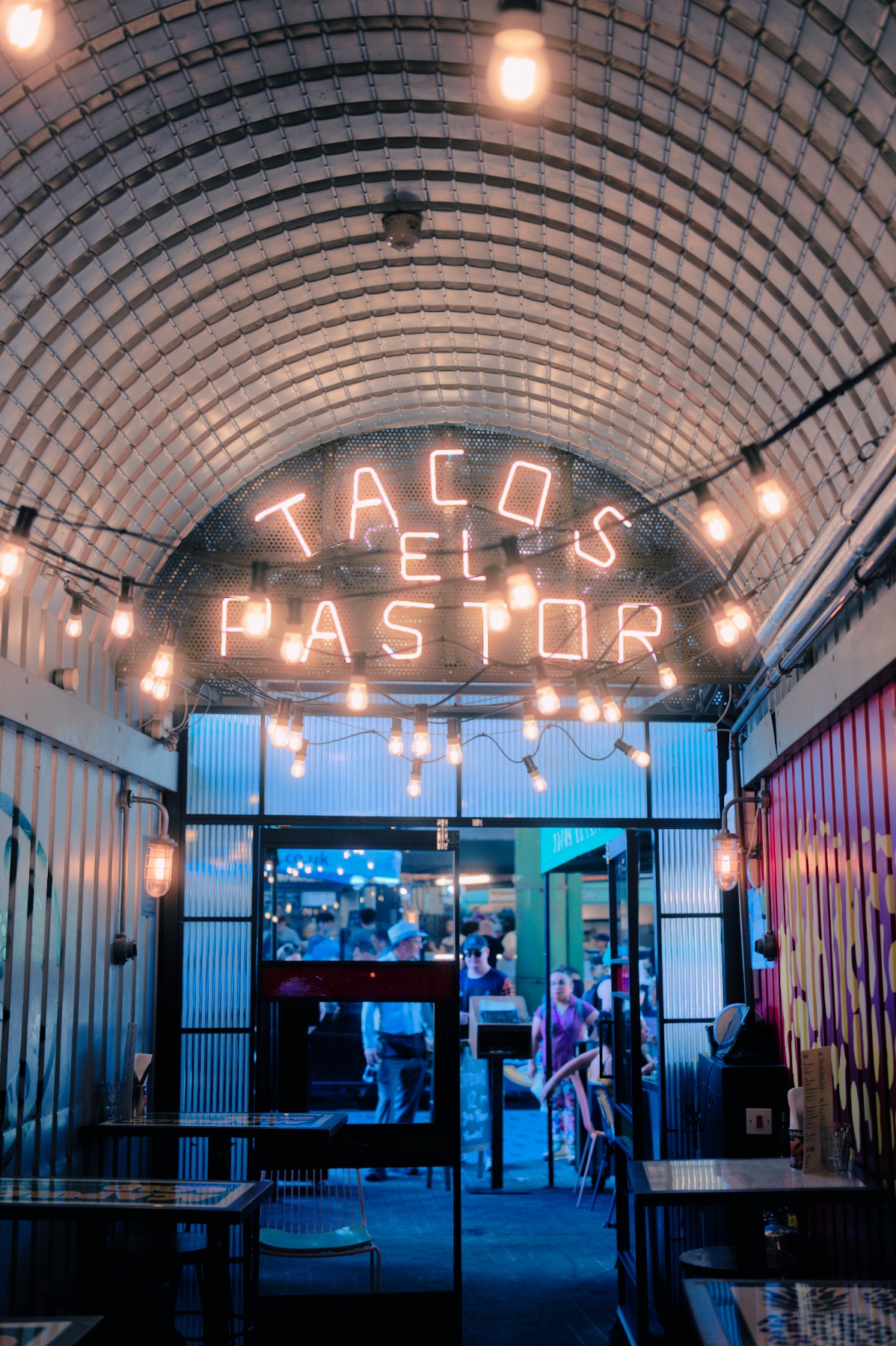
Halation adds a coloured glow around bright edges. This comparison uses Kodak VISION3 500T.
Watch the edges of the illuminated letters.
Drag right from the centre to increase halation.
Try the looks.
Compare presets and film profiles
on the same photograph.
Start with Natural, Rich or Soft, or choose a film-based preset. Adjust any of them and save your version as a recipe.

Choose a preset
17 presetsEveryday
Warm colour with moderate contrast.
Loading the collection…
Each preview uses the same Auto settings. Compare with Natural to see how the selected look changes the photograph.
Why presets
and film profiles?
The same negative can look quite different depending on how it is scanned or printed. In ABNEY, the profile describes the film’s colour response. A preset adds a particular treatment. Save your adjustments with the profile to reuse them as a recipe.
From real film to your RAW
Our film-stock profiles are based on real stock scans made on a Noritsu LS-600. Different scanning and finishing choices can produce different interpretations of the same film. The profile, preset and editable recipe preserve those distinct roles in ABNEY.
Let the lights shine.
On an HDR display, the illuminated lettering can shine brighter than the surrounding photograph. Switch between Standard and HDR to see the difference.
Stop making
the same adjustments.
If you tend to keep evenings dark, deepen the shadows or bring out the colour, Personal learns from those edits. It carries your preferences into similar photographs, so you have fewer adjustments to repeat.
Your previous edits
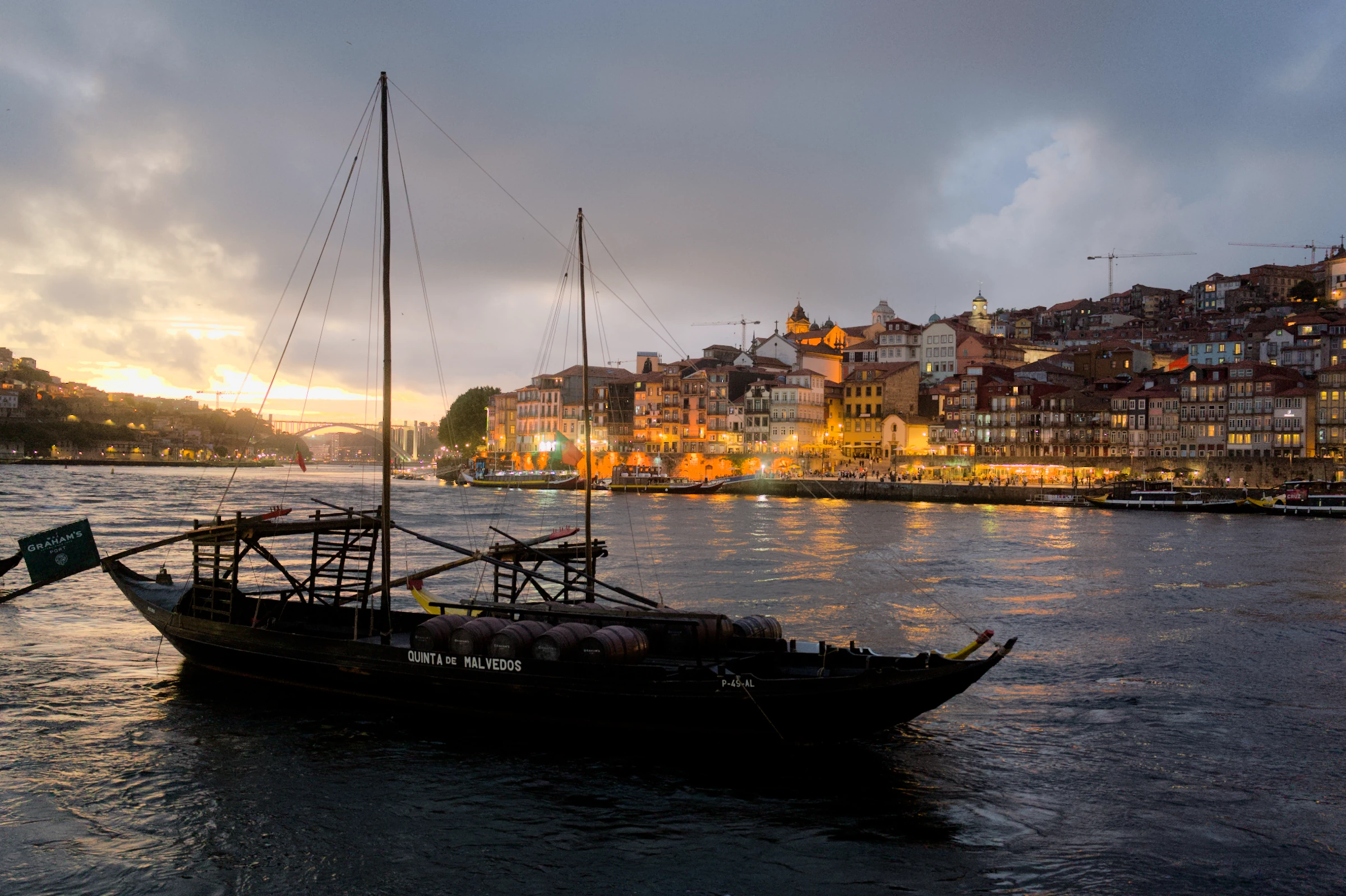
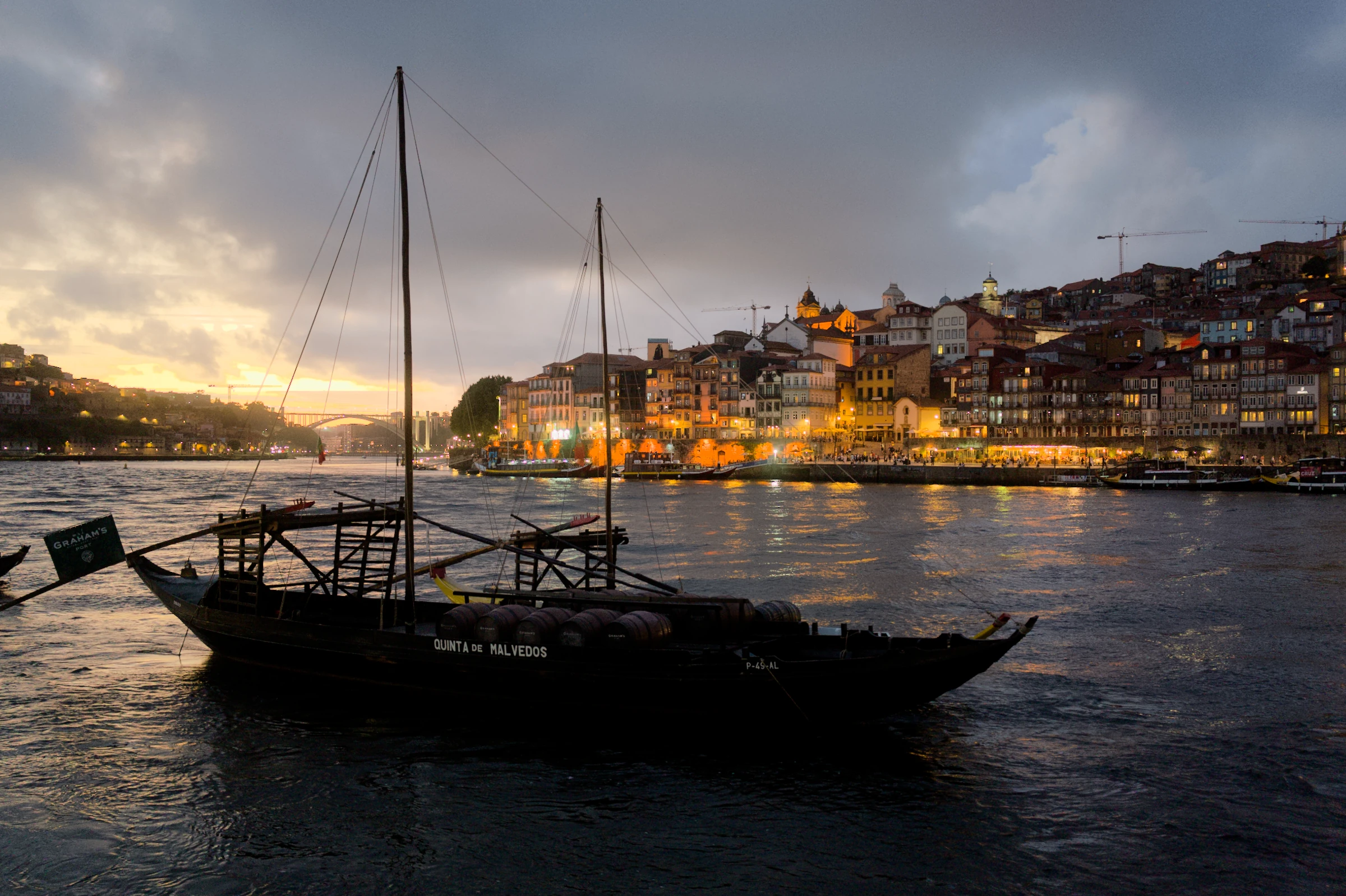
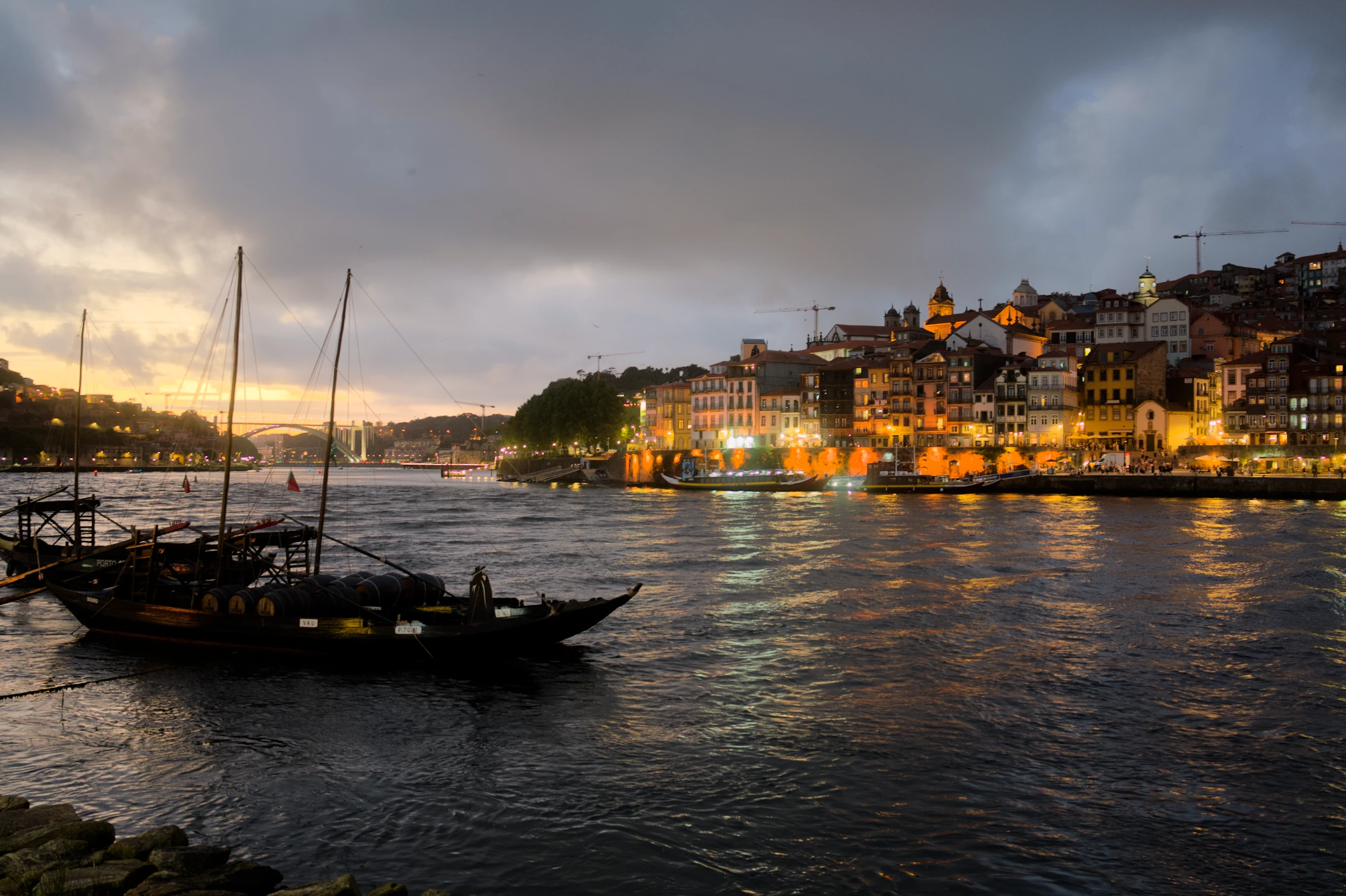
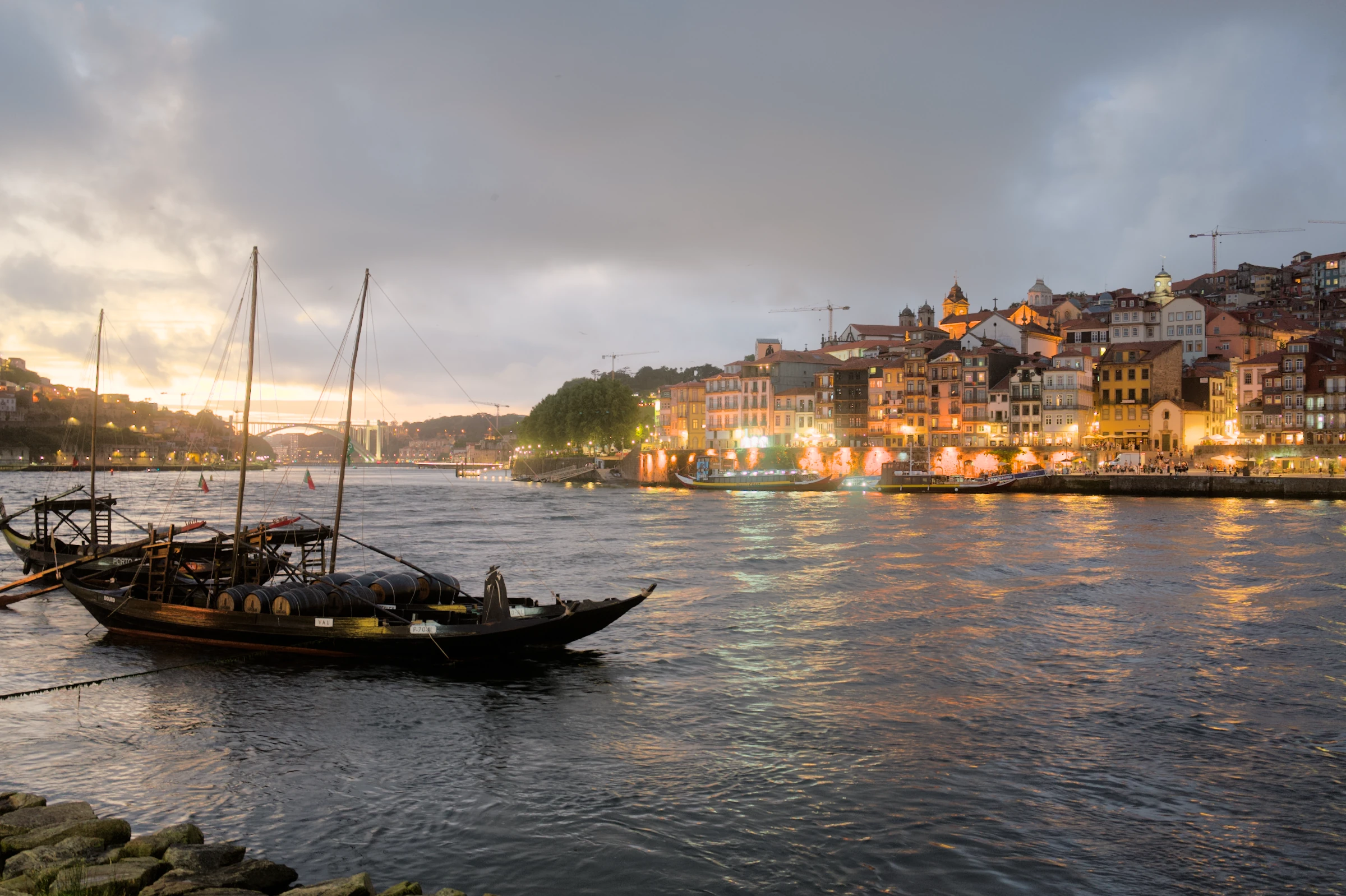
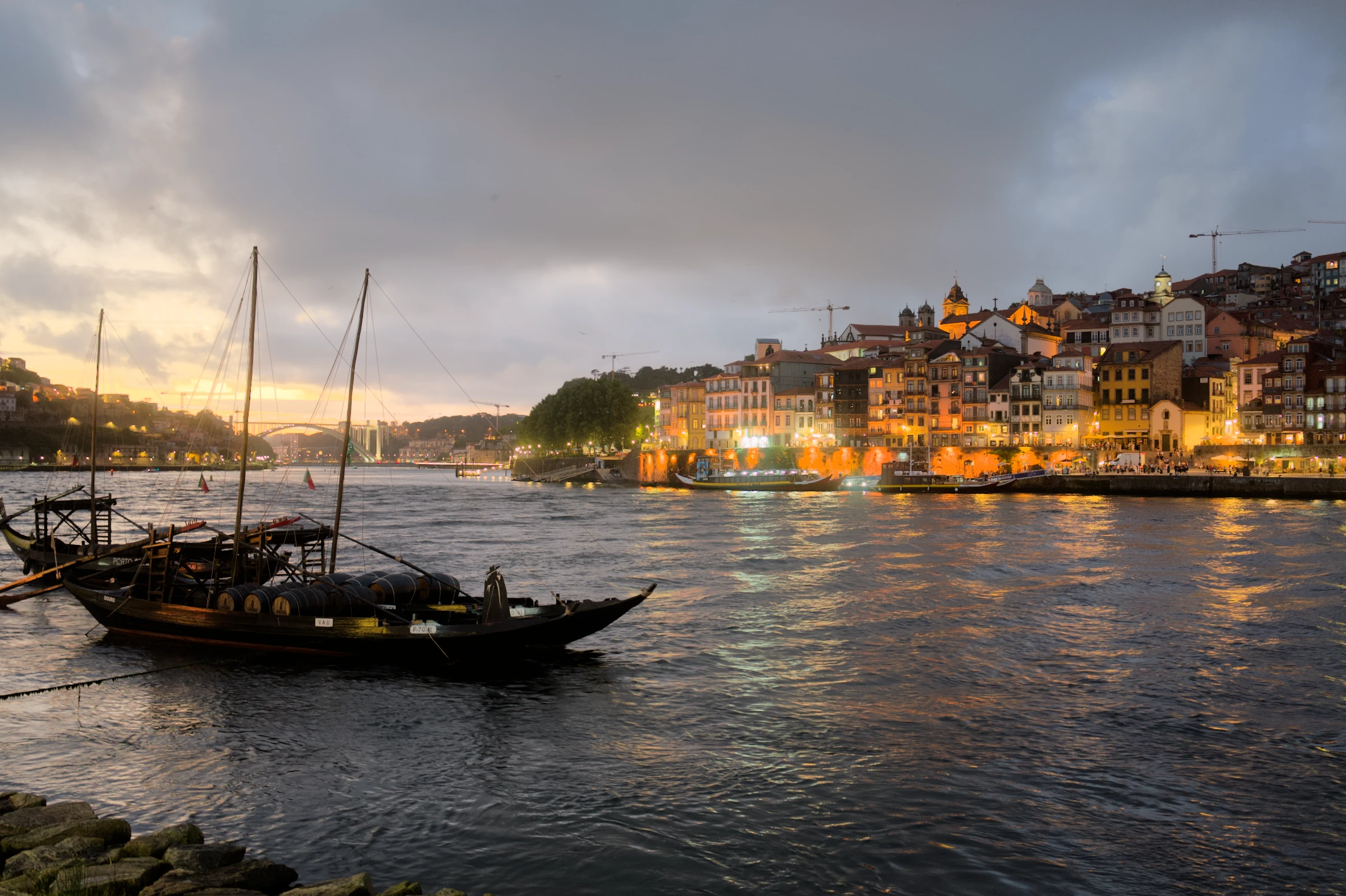
Developed with Auto.
For this example, we edited eight photographs. Personal learned from the six that matched this scene and developed a ninth. Compare the clouds, the water and the shadows around the boats.
What does Personal learn?
Personal learns repeated light and colour preferences from comparable photographs using the same base and preset. It becomes more confident as examples accumulate, while keeping each adjustment within its learning limits. Manual adjustments take priority. The three thumbnails show part of this example’s eight-photo training set; each received the same set of authored changes.
One evening.
All your photographs.
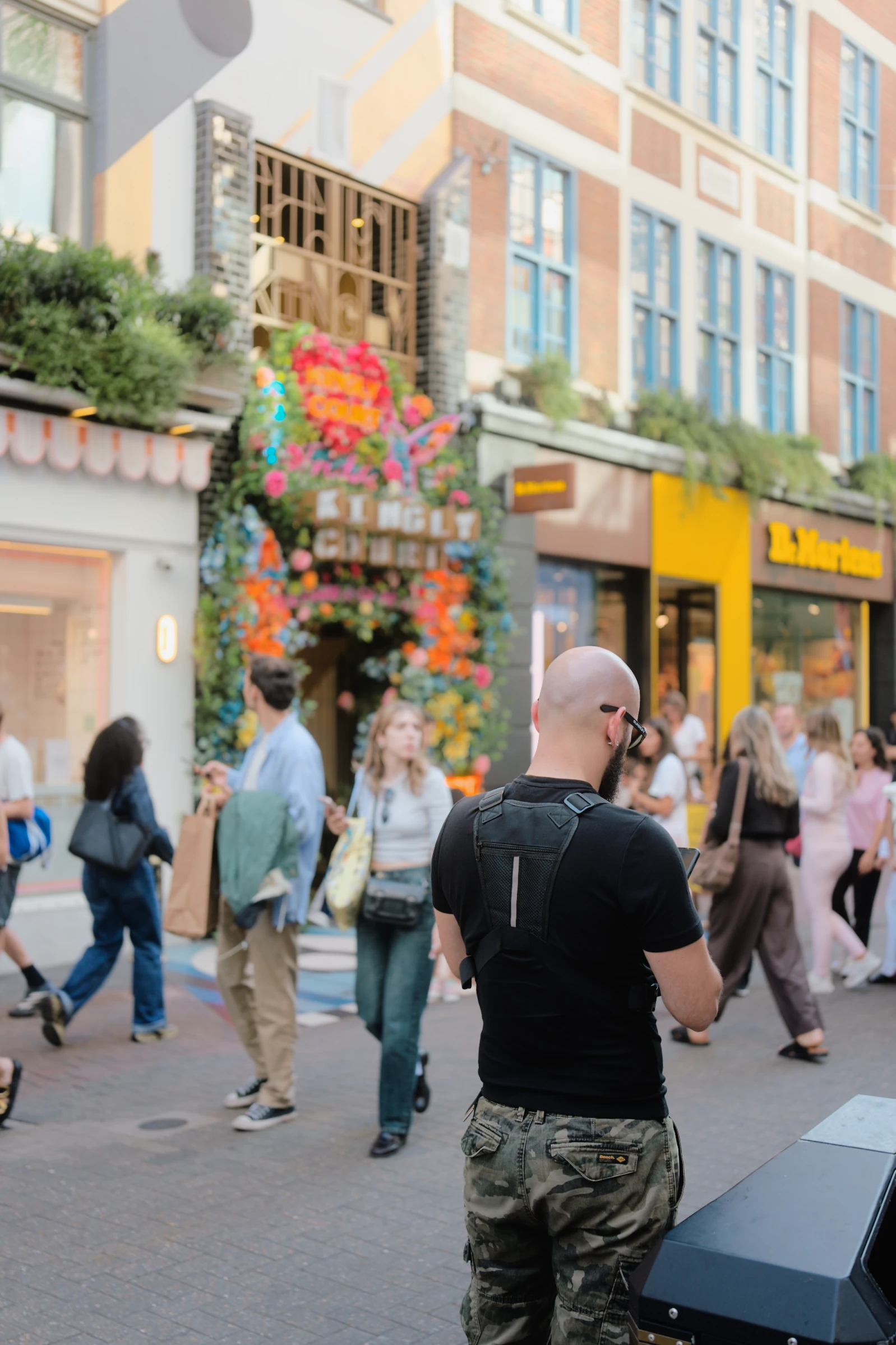
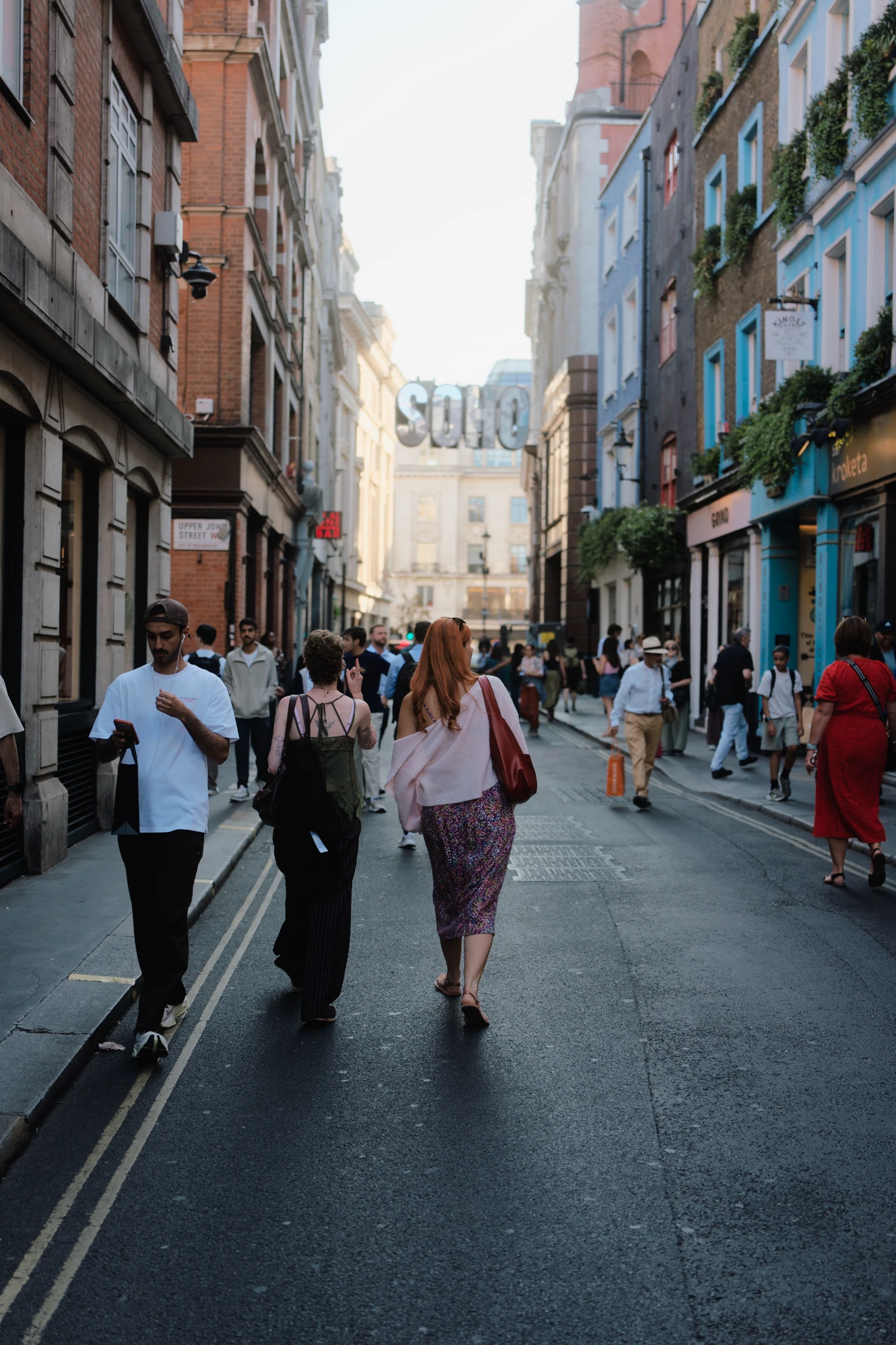
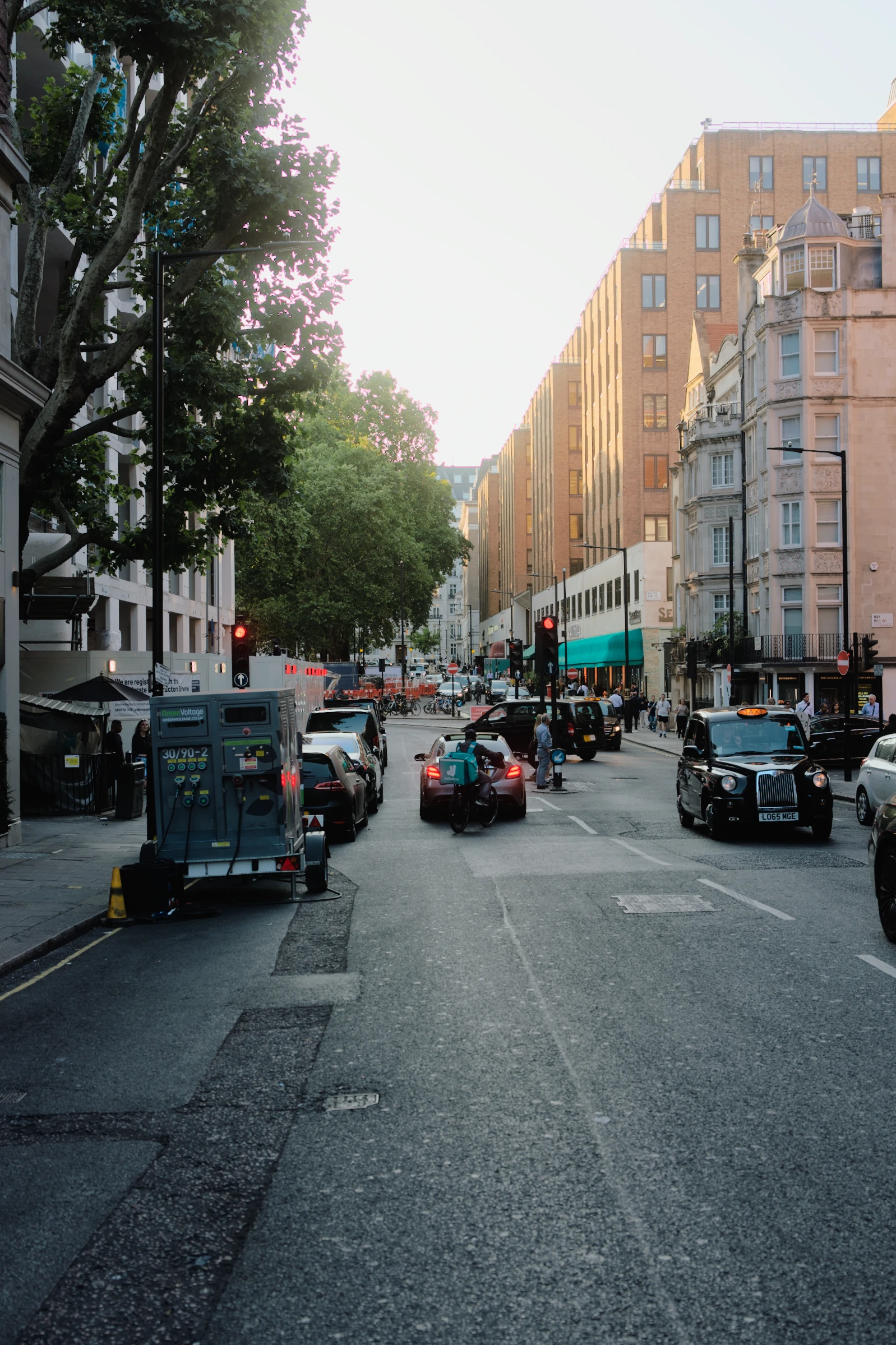
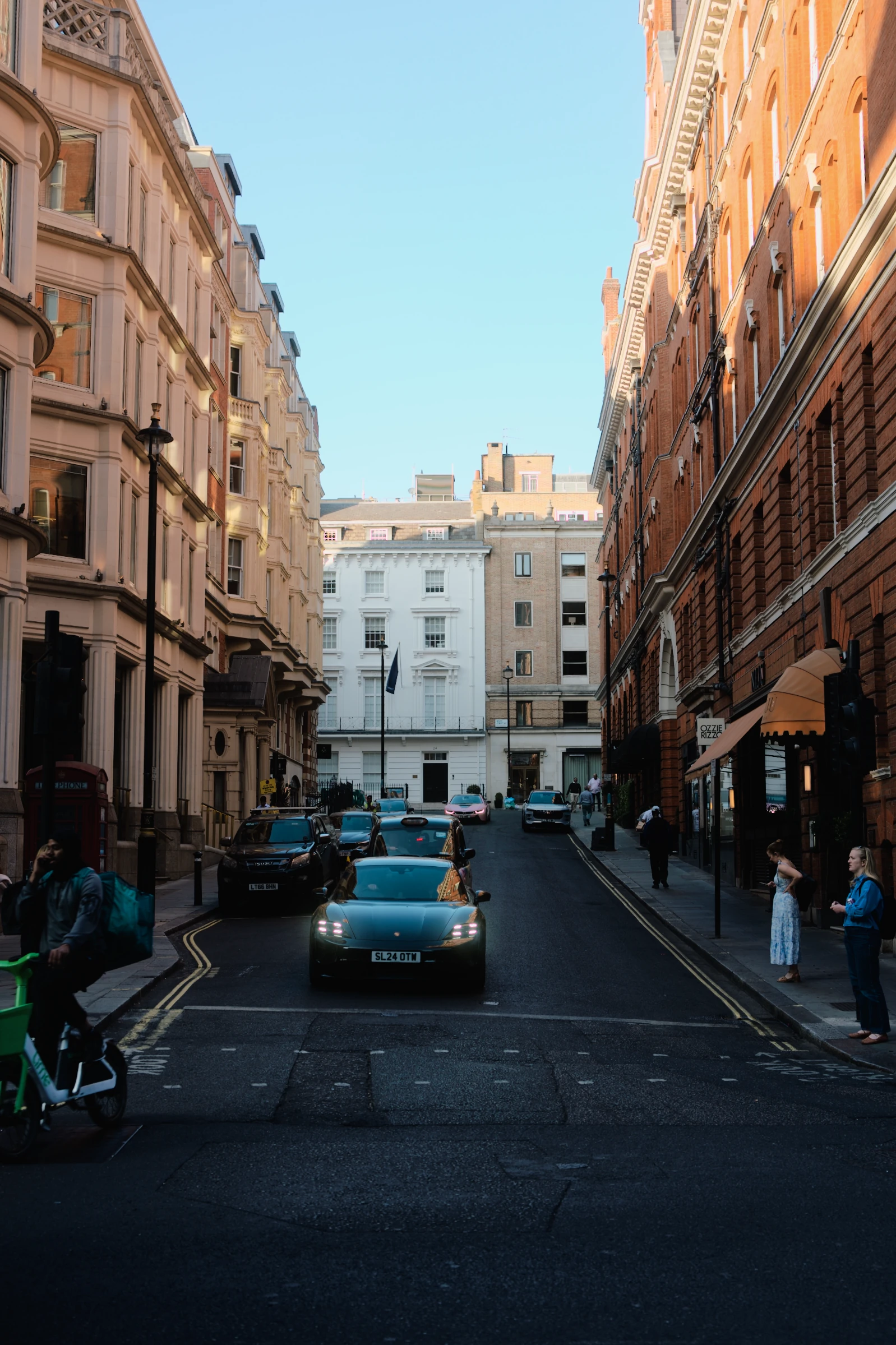
Apply a recipe to the whole shoot. Auto develops each RAW individually, accounting for changes in light as you move between sunlit streets and shade.
As much editing
as you feel like.
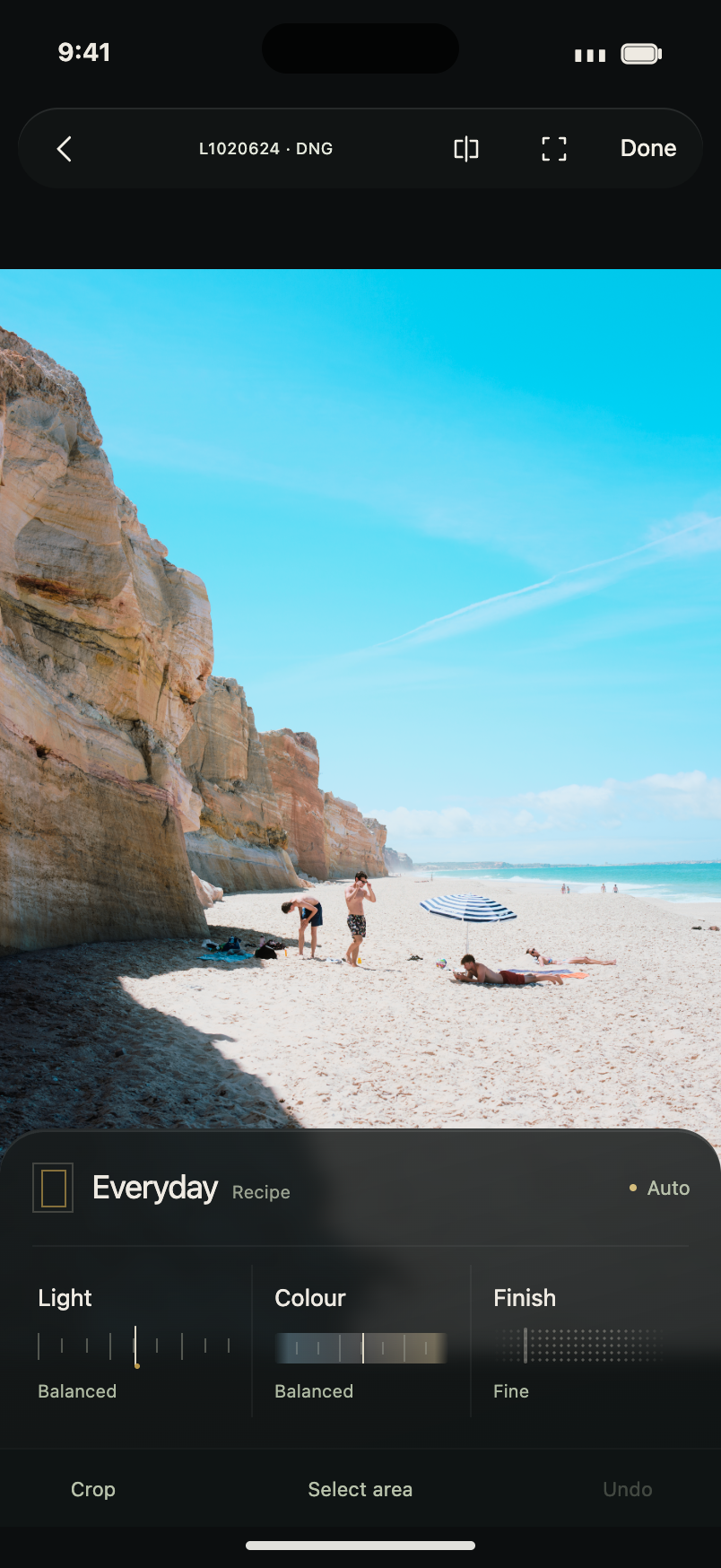
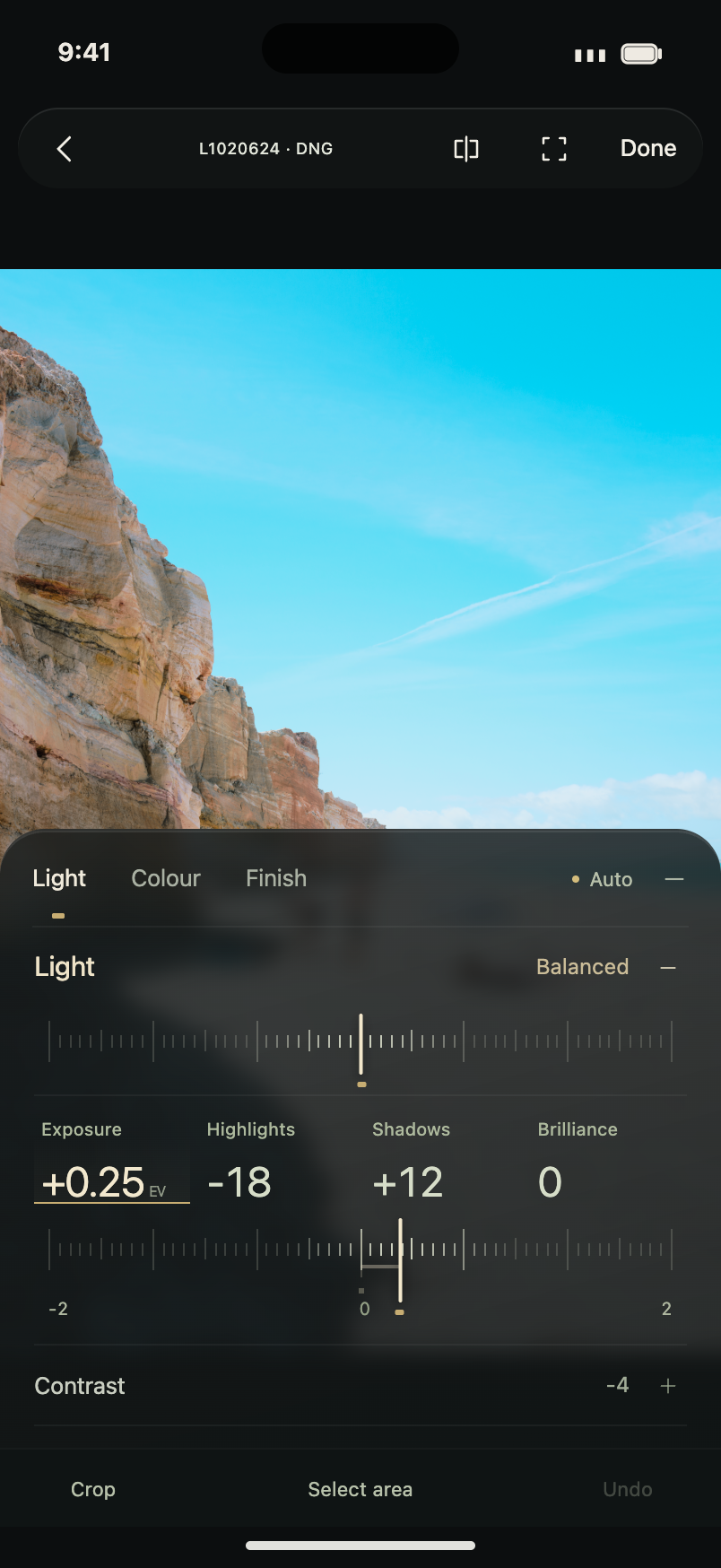
Auto may be all you need. When you want to change something, the full editor is there.
Start with Light, Colour and Finish. Open the detailed controls for finer adjustments, and save the settings you want to use again.
At home in Apple Photos.
Open RAWs from your Photos library and save the developed photographs back alongside them.
A few things
worth knowing.
Do I need to know how to edit?
No. Auto gives you a developed starting point. Keep natural colour or choose a film look. Everything stays editable if you decide to make changes.
Which RAW files can I use?
ABNEY is built for RAWs from supported cameras, including imported files. The iPhone app also supports Sensor RAW and Apple ProRAW where the device allows it. Compatibility depends on the camera format and the decoder available on your device.
Can I make my own presets?
Yes. Start with a profile or existing preset, adjust its treatment, and save your recipe. The profile and adjustments stay together so you can reuse the look.
About these photographs
The main photographs use Auto + Everyday with Light at Airy +50. The photographic comparisons use real camera RAWs rendered by ABNEY. The Light demonstration keeps Everyday fixed and moves the app’s Moody–Airy control; the website crossfades between native rendered steps with identical framing. The opening and colour photographs use crops and straightening recorded in the app’s rendering recipes. Film choices use the current factory profiles and presets, including their default finishing settings. Personal shows an authored example of supported learning. Device compositions illustrate the experience; the phone screens are native interface design previews.
When can I get ABNEY?
ABNEY is in development for iPhone, iPad and Mac. Release timing and pricing have not been announced.
More time out there.
Automatic RAW development for iPhone, iPad and Mac.
ABNEY · Coming soonCurrently in development.
Back to the photographs